Argyll · Plan and Perform Only What Matters
This ain't no workflow engine. Argyll is a goal-driven orchestrator. You give it goals and it works backward to achieve them. Don't need to run a step? Skip it. Need one step to process fifty different things? No problem. Have a step that won't call back for 73 years? Argyll can handle it. Set your goals and let it rip

Quickstart
curl -X POST http://localhost:8080/engine/step \
  -H "Content-Type: application/json" \
-d @step.jsoncurl http://localhost:8080/engine/health
curl http://localhost:8080/engine/health/send-emailcurl -X DELETE http://localhost:8080/engine/step/send-emailcurl -X POST http://localhost:8080/engine/plan \
-H "Content-Type: application/json" \
-d '{"goals":["send-email"],"init":{}}'curl -X POST http://localhost:8080/engine/flow \
-H "Content-Type: application/json" \
-d '{"id":"welcome-flow","goals":["send-email"],"init":{}}'curl http://localhost:8080/engine/flow/welcome-flowFull OpenAPI specs live in docs/api. Read more in the Argyll GitHub repository and see the README for running locally
Step Definition Example
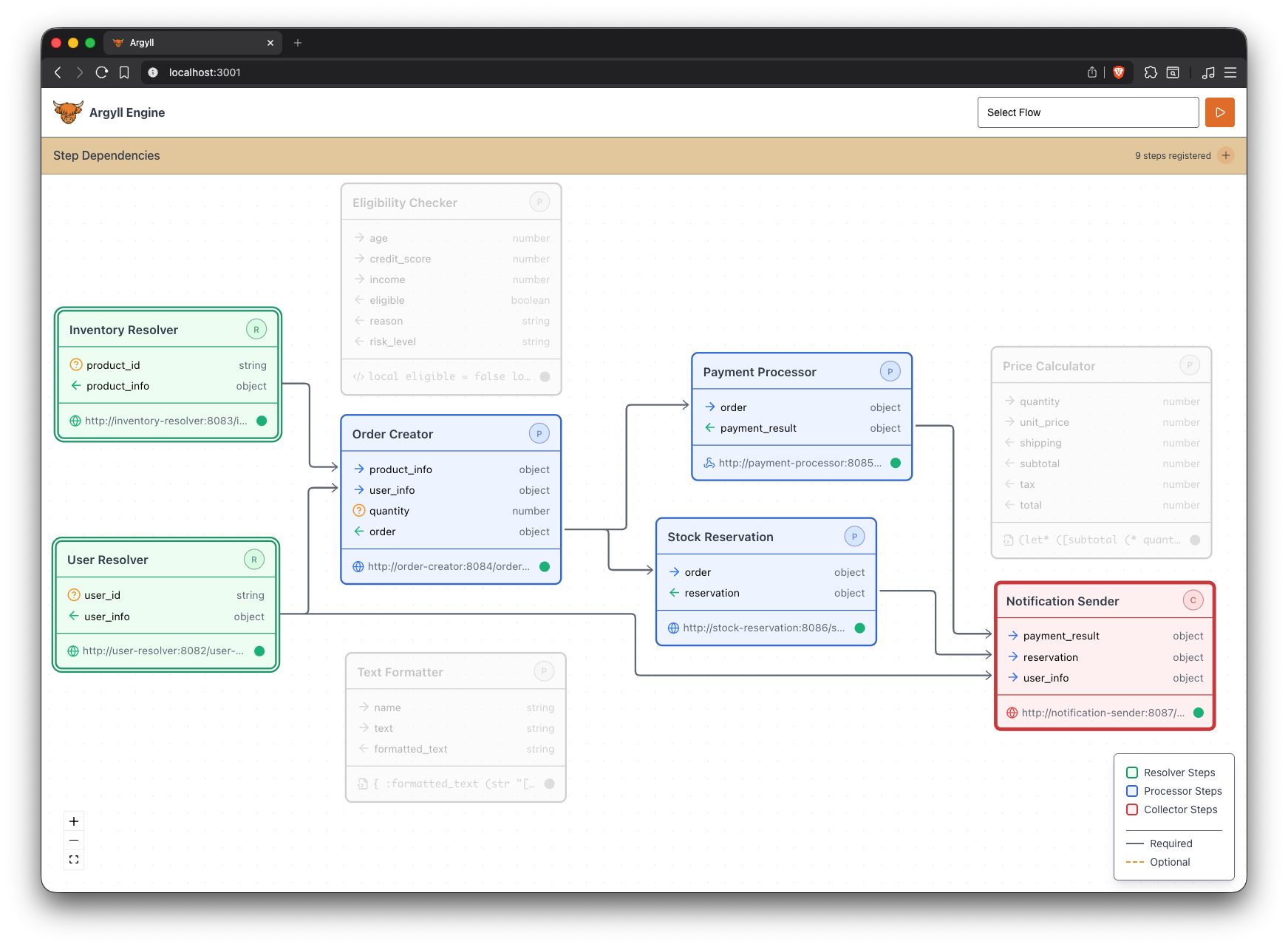
Register steps that declare inputs/outputs. Choose one or more goal steps—Argyll plans the rest
{
  "id": "send-email",
  "name": "Send Email",
  "type": "async",
  "http": {
    "endpoint": "https://api.example.com/send-email",
    "timeout": 30000
  },
  "attributes": {
    "recipient": { "role": "required", "type": "string" },
    "body": { "role": "optional", "type": "string", "default": "\"Hello!\"" },
    "message_id": { "role": "output", "type": "string" }
  }
}
Start a flow with your goals, monitor via WebSocket at
/engine/ws, and edit steps live in the UI
Live Events (WebSocket)
Subscribe by aggregate: ["engine"] for engine events or
["flow", "your-flow-id"] for a specific flow.
The server responds with current state, then streams live events
const ws = new WebSocket("ws://localhost:8080/engine/ws");

ws.onopen = () => {
  ws.send(JSON.stringify({
    type: "subscribe",
    data: { aggregate_id: ["flow", "welcome-flow"] }
    // or: { aggregate_id: ["engine"] } for engine events
  }));
};

ws.onmessage = (event) => {
  const msg = JSON.parse(event.data);
  if (msg.type === "subscribed") {
    console.log("Current state:", msg.data, "sequence:", msg.sequence);
  } else {
    console.log("[event]", msg.type, msg.data);
  }
};{
"type": "subscribed",
"id": ["flow", "welcome-flow"],
"data": { "id": "welcome-flow", "status": "active", "plan": {...} },
"sequence": 42
}{
"type": "flow_started",
"timestamp": 1733151600000,
"id": ["flow", "welcome-flow"],
"data": {
"flow_id": "welcome-flow",
"plan": { "goals": ["send-email"], "steps": { "send-email": {} } },
"init": {}
},
"sequence": 43
}