
Deterministic orchestration for real systems

Argyll is an open orchestration platform built for systems with callbacks, retries, delays, long-running work, and probabilistic services. It keeps execution predictable while giving you a cleaner model than hand-maintained process logic.

Instead of hard-coding and updating every path, you define the outcomes that must be satisfied, and Argyll resolves and executes the work required to reach them.
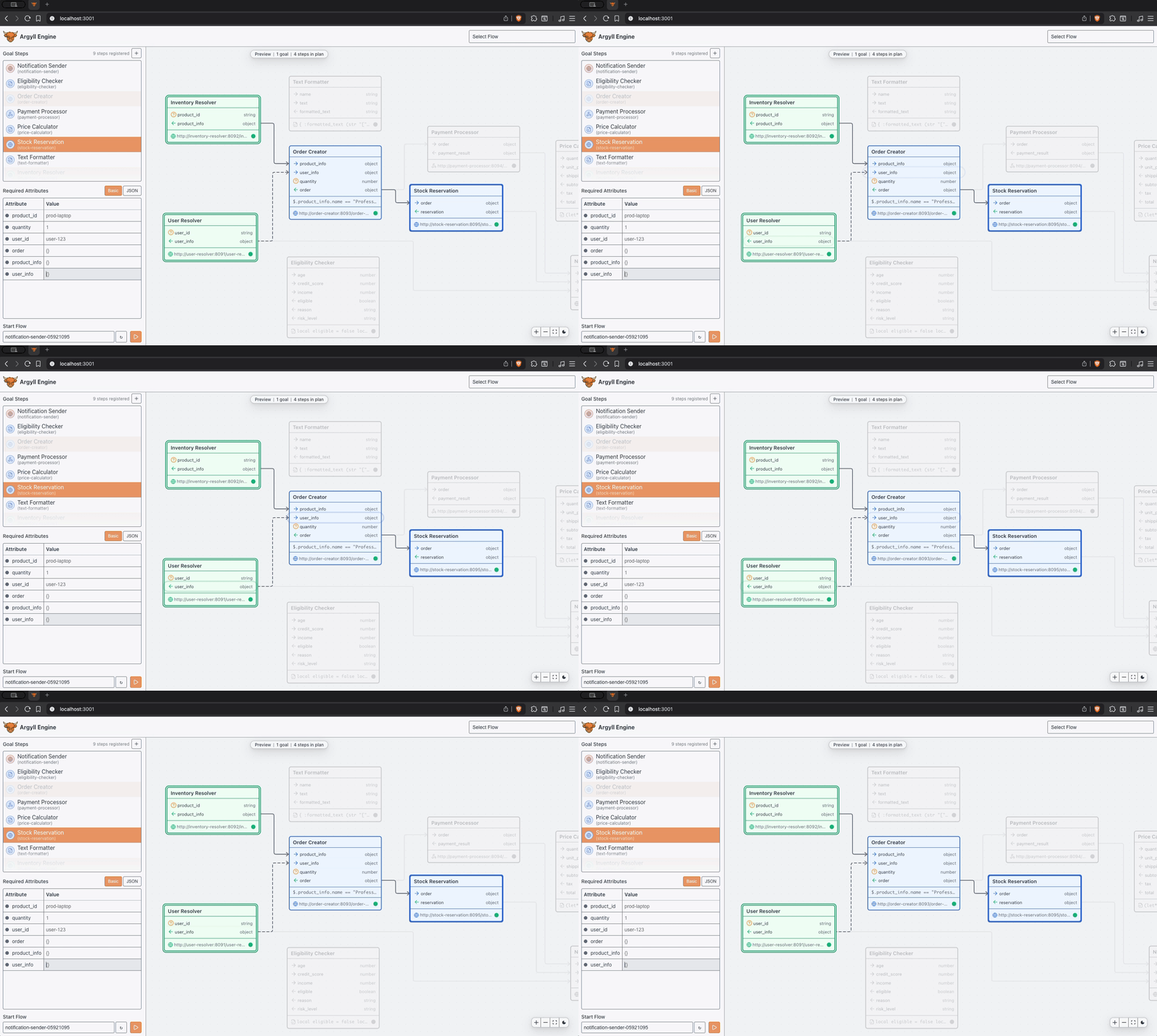
Argyll UI screenshot
Why Argyll

Most orchestration complexity shows up as duplicated coordination logic, retry handling, and special cases spread across services. Process definitions multiply as requirements evolve, and the cost of change keeps climbing.

Argyll moves orchestration back into an explicit execution layer, and the result is shared execution, clearer system boundaries, reliable retries, and predictable behavior in production.

What you get

Less duplication

Shared work is resolved once, and related outcomes can reuse the same dependencies naturally.

Less coupling

Services stay focused on their own responsibilities while Argyll handles coordination.

Lower cost of change

New requirements do not force another maintained process definition, and execution stays aligned with outcomes as systems evolve.

Deterministic boundaries for AI

AI services may be probabilistic, but the surrounding system does not have to be. Argyll keeps invocation, state transitions, and downstream execution under explicit control.

Should you use it

Use Argyll when
  • You keep rewriting the same coordination logic in different places
  • Flows overlap and should share dependencies
  • Requirements change frequently
  • You want reliable retries and predictable recovery
  • You care about inspectable execution and explicit state
Use something simpler when
  • You need human approval queues and worklists
  • You want a visual process modeling tool first
  • You need runtime mutation of execution plans
  • You are building a low-code business-user tool
  • You need a scheduler more than an execution engine

What people use it for

Order fulfillment

Coordinate payment confirmation, inventory reservation, shipment, and customer communication without burying fulfillment logic across multiple services.

Payments and ledgers

Complete the transaction, record it, and notify the customer with coordination handled in one execution layer.

Compliance and onboarding

Combine verification, screening, case creation, and notifications with one model that stays coherent as review requirements change.

Notifications and campaigns

Share customer and message context across channels with one common execution model.

Provisioning and entitlements

Handle account setup, permission changes, access grants, and audit updates without scattering lifecycle logic across product and platform services.

AI-driven systems

Keep invocation, state transitions, and downstream execution under explicit control so costs and behavior do not sprawl.

How It Works
Execution is derived from recorded state

A Flow advances through durable state, results enter that state intentionally, and what happens next is derived from what the Flow already knows.

Execution stays inspectable, so you can look at a Flow, understand where it is, and explain why it is doing what it is doing.

Behavior stays predictable in production

The same Flow state leads to the same behavior, side effects follow committed state, and retries resume from stable state with consistent results.

That matters where real systems break: timeouts, delayed callbacks, partial completion, and repeated attempts across multiple services.

See it running

Stream Flow events

Subscribe by aggregate: ["engine"] for engine events or ["flow", "your-flow-id"] for a specific Flow. The server responds with current state, then streams live events.

const ws = new WebSocket("ws://localhost:8080/engine/ws");

ws.onopen = () => {
  ws.send(JSON.stringify({
    type: "subscribe",
    data: { aggregate_id: ["flow", "hello-flow"] }
  }));
};

ws.onmessage = (event) => {
  const msg = JSON.parse(event.data);
  if (msg.type === "subscribed") {
    console.log("Current state:", msg.data, "sequence:", msg.sequence);
  } else {
    console.log("[event]", msg.type, msg.data);
  }
};
Quick Start
1. Start Argyll
git clone https://github.com/kode4food/argyll.git
cd argyll
docker compose up
2. Register a Step
curl -X POST http://localhost:8080/engine/step \
  -H "Content-Type: application/json" \
  -d '{
    "id": "hello-script",
    "name": "Hello Script",
    "type": "script",
    "attributes": {
      "name": {"role": "required", "type": "string"},
      "greeting": {"role": "output", "type": "string"}
    },
    "script": {
      "language": "ale",
      "script": "{:greeting name}"
    }
  }'
3. Start a Flow
curl -X POST http://localhost:8080/engine/flow \
  -H "Content-Type: application/json" \
  -d '{
    "id":"hello-flow",
    "goals":["hello-script"],
    "init":{"name":"Argyll"}
  }'
4. Inspect the result
curl http://localhost:8080/engine/flow/hello-flow
curl http://localhost:8080/engine/health

Full OpenAPI specs live in docs/api. See the Argyll GitHub repository for full setup and local development details.

What a Step looks like

A Step declares what it needs and what it produces. Pick the simplest type that fits the job: sync when the work finishes in one request, async when something needs to continue in the background, and script when the logic belongs inside the engine.

HTTP Steps can choose a method and use required inputs inside the URL. Argyll resolves placeholders before calling the endpoint, so a Step can target a clean JSON endpoint without an orchestration envelope. Requests carry input arguments as JSON, while Flow ID, Step ID, receipt token, and async webhook URL travel in Argyll headers. Successful responses return output arguments directly; failures use HTTP status codes and Problem Details.

Sync HTTP

Use this when a service can return its result immediately.

{
  "id": "lookup-customer",
  "name": "Lookup Customer",
  "type": "sync",
  "http": {
    "method": "GET",
    "endpoint": "https://api.example.com/customers/{customer_id}",
    "timeout": 5000
  },
  "attributes": {
    "customer_id": { "role": "required" },
    "email": { "role": "output" },
    "phone": { "role": "output" }
  }
}
Async HTTP

Use this when work starts now and completes later by webhook.

{
  "id": "process-payment",
  "name": "Process Payment",
  "type": "async",
  "http": {
    "method": "POST",
    "endpoint": "https://api.example.com/payments/{payment_id}/capture",
    "timeout": 1000
  },
  "attributes": {
    "payment_id": { "role": "required" },
    "amount": { "role": "required" },
    "currency": { "role": "required" },
    "transaction_id": { "role": "output" }
  }
}
Script

Use this for small in-engine transforms, routing, and glue logic.

{
  "id": "calculate-discount",
  "name": "Calculate Discount",
  "type": "script",
  "script": {
    "language": "ale",
    "script": "{:discounted_amount (* amount (- 1 discount_percent))}"
  },
  "attributes": {
    "amount": { "role": "required" },
    "discount_percent": { "role": "required" },
    "discounted_amount": { "role": "output" }
  }
}
Sub Flow

Use this when you want to package a reusable set of goals behind one Step.

{
  "id": "authorize-user",
  "name": "Authorize User",
  "type": "flow",
  "flow": {
    "goals": ["fetch-user"]
  },
  "attributes": {
    "uid": { "role": "required", "mapping": { "name": "user_id" } },
    "name": { "role": "output", "mapping": { "name": "user_name" } },
    "admin": { "role": "output", "mapping": { "name": "is_admin" } }
  }
}